
Yes, I'm trying to highlight as much as possible. I will record a video and send it here and in the open issue.
Good afternoon (for those in the same time zone as me, and for those who aren't, good evening).
The issue #130(https://github.com/casvisor/casvisor/issues/130) is working, but only as a temporary fix in my case. I'm trying to connect to our Windows servers to conduct some tests, but the problem persists in this specific scenario. When I save the credentials in the connection management, it works fine. However, when I leave the credentials field empty to fill them in later, it doesn't work. It returns these NLA logs, but it doesn't make sense for it to be a server issue since it works one way and not the other. I also tried disabling NLA temporarily, but still no success. (Note: when I create connections with machines that are somewhat "less protected," it works normally).

Yes, I agree. I am using it to assist me with the deployment, but this time specifically I stopped checking because I was just testing the fix. Unfortunately, I am still unsuccessful even with the new fixes 😦
Good, I just saw that apparently the password is not being passed (I think it's worth mentioning in the issue that I am using an LDAP user with access to the server)
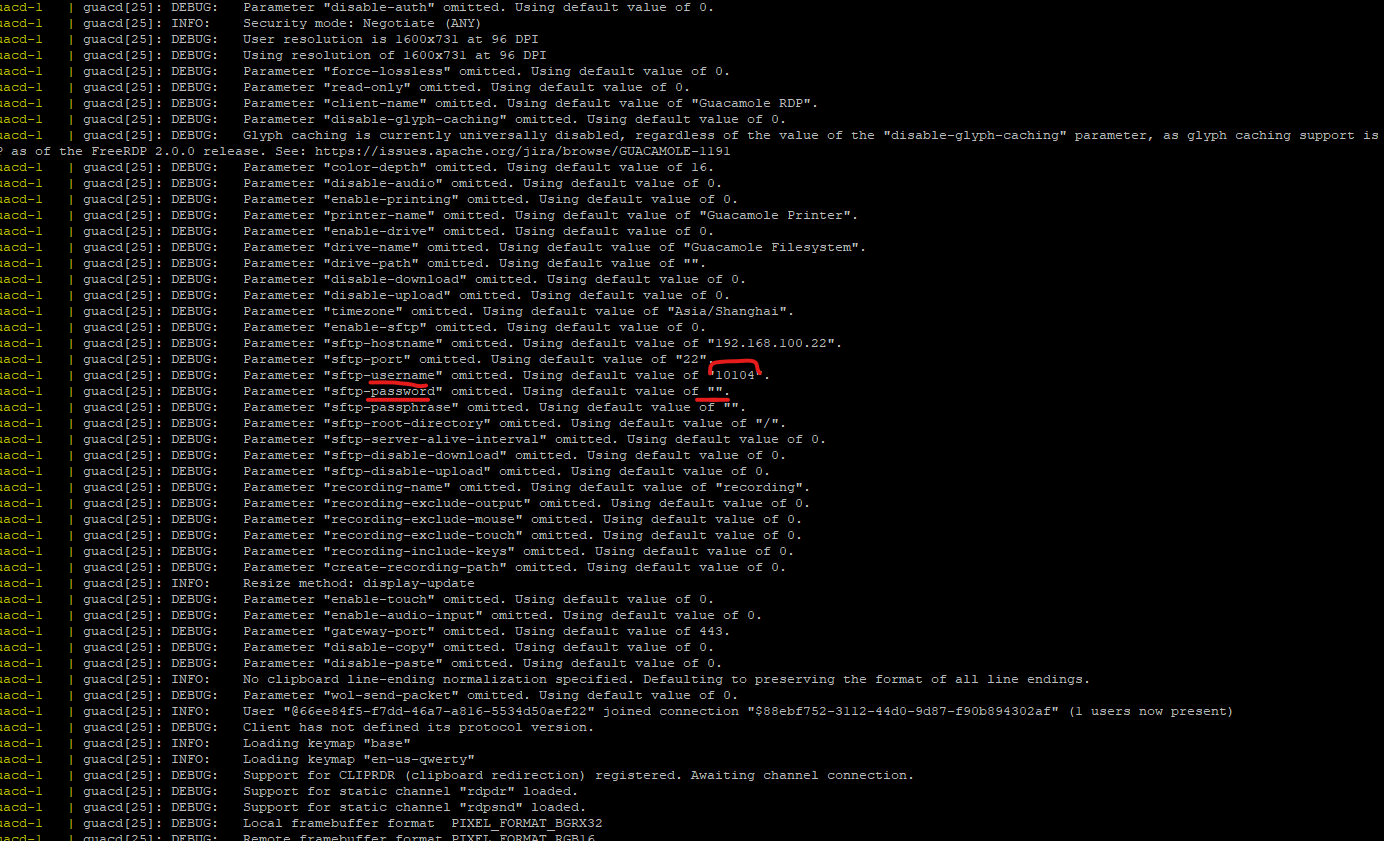
I've already recreated the images, removed volumes, and added them back, but it's still not working. I'm starting to think that it might be some validation issue because I'm using an LDAP user.
I sent these questions in the issue I opened on GitHub. I'm not sure if the team can test it this way.
I am using Docker, I am still a bit new to it, but after he deployed the fix, should he have updated something in the image to reflect it for me as well? If the answer is yes, I think that's why mine might not be working correctly
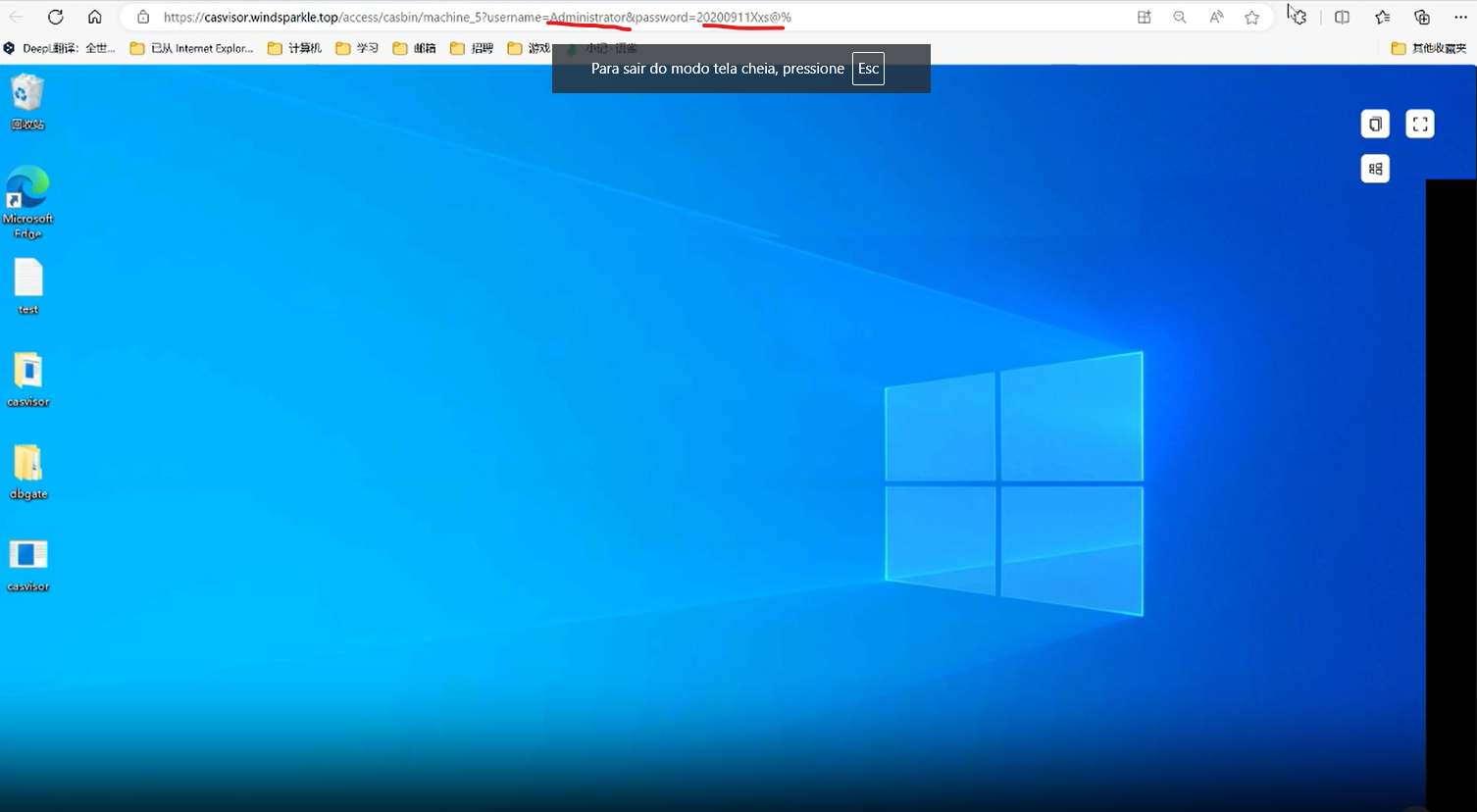
Okay, I will recreate my environment and test it. It may be that something got stuck. I just ask that you note that in the video that was sent to me, your credentials are being passed through the URL. I don't know if this is critical on your side, but I'm just letting you know as a precaution.
I am opening a new issue because the one that was closed unfortunately did not work.
https://github.com/casvisor/casvisor/issues/130
If you find it necessary or want to ask questions, you can message me privately. Just be aware that I may not respond immediately due to the time zone difference.
This is along with what I said above in the images, has it been fixed or am I waiting for the issue to be closed?
correcting, the ssh connection behaves the same way if the login and password fields are empty when adding a new access
I believe it is this login and password pop up that is not passing correctly to the back end
Well, the connection via ssh works normally, the problem now is the RDP connection, in addition to the security flaw going through the username and password in the application's url, it gives an authentication error when trying to log in, leaving the fields empty. Even if the password is correct, it gives the same error. To reproduce, simply create an RDP connection and leave the "username and password" fields empty
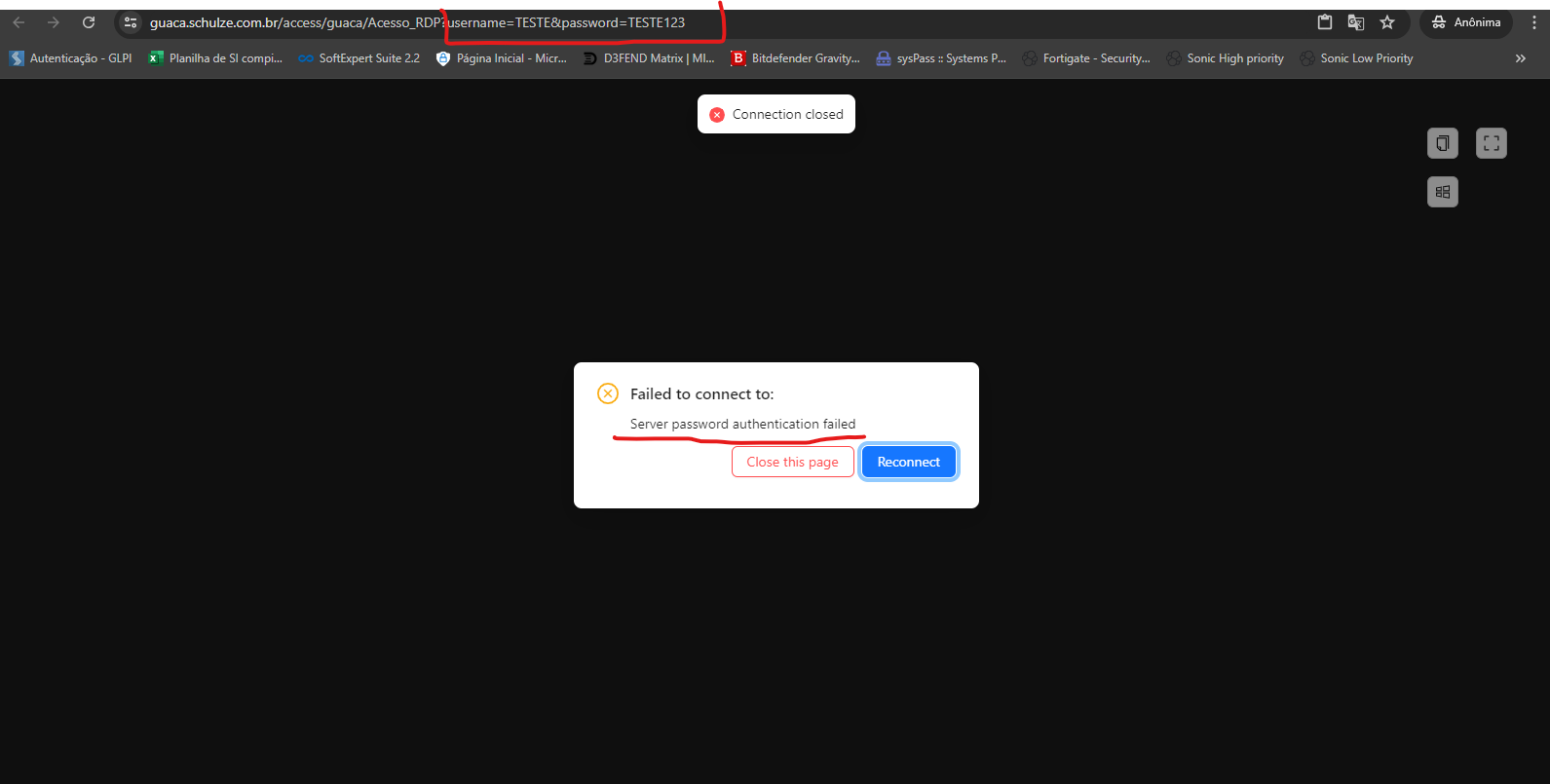
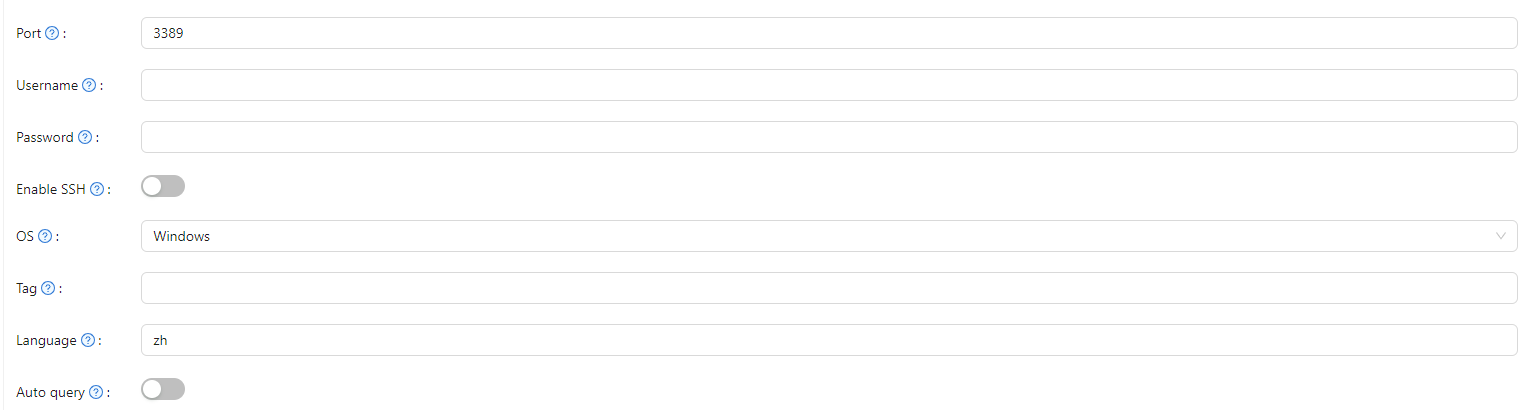
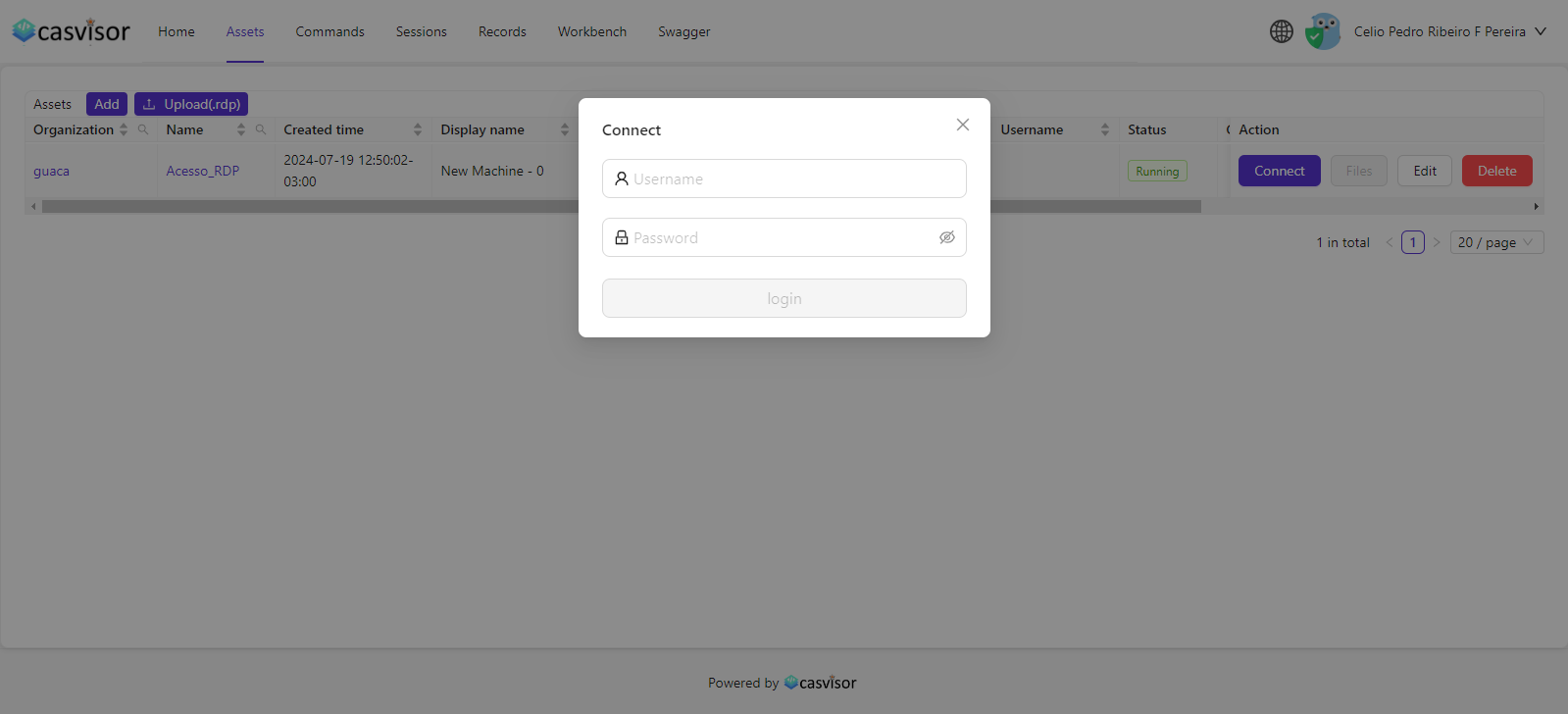
It worked, I'll let you know anything
tks
I could be wrong in my comment above but anyway, it is triggering a lot of logs that come with the test user and still the error persists, I don't know if I should do anything else on my part
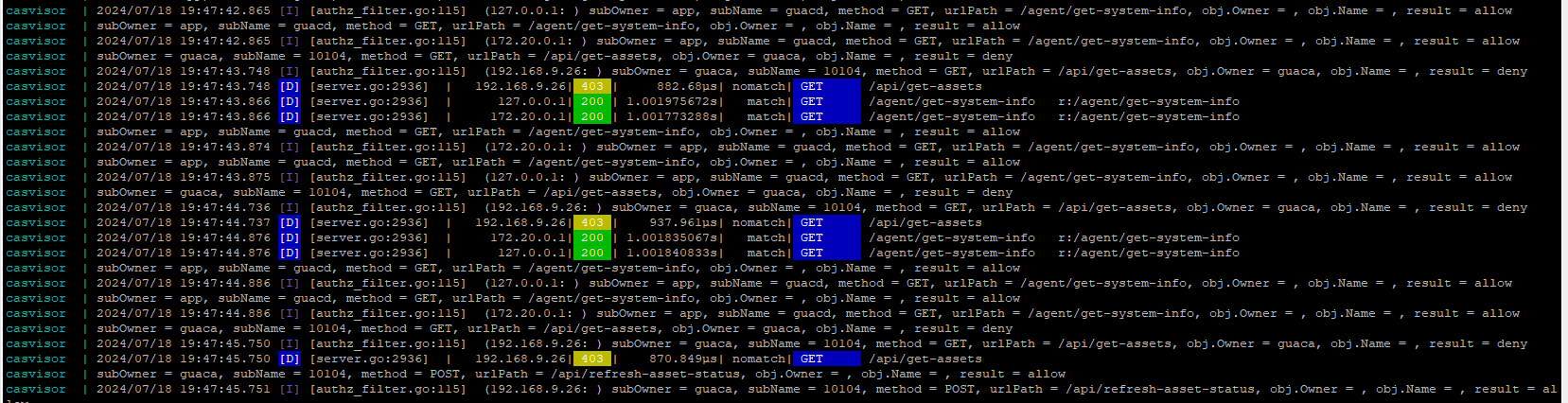
don't work, now it triggers a lot of logs, I think it's bringing the subowner and the wrong subname too, before it brought the subOwner as the organization name and subName as the username

Ah, I ended up sending it to the casdoor bug reports channel, I'll test it and get back to you soon, thank you
If you want to test another way, you can create another organization and just change it in the application
I believe this is also a bug or I'm doing something completely wrong, I copied the models, adapters and enforces from the casdoor default organization to my organization that I created to be able to access casvisor. but it doesn't access it, it simply only accesses it with the administrator user. On the demo site I tried to do the same thing but without success either.
model: "[request_definition]
r = subOwner, subName, method, urlPath, objOwner, objName
[policy_definition]
p = subOwner, subName, method, urlPath, objOwner, objName
[role_definition]
g = _, _
[policy_effect]
e = some(where (p.eft == allow))
[matchers]
m = (r.subOwner == p.subOwner || p.subOwner == "") &&
(r.subName == p.subName p.subName == "" r.subName != "anonymous" && p.subName == "!anonymous") &&
(r.method == p.method || p.method == "") &&
(r.urlPath == p.urlPath || p.urlPath == "") &&
(r.objOwner == p.objOwner || p.objOwner == "") &&
(r.objName == p.objName p.objName == "")
(r.subOwner == r.objOwner && r.subName == r.objName)"
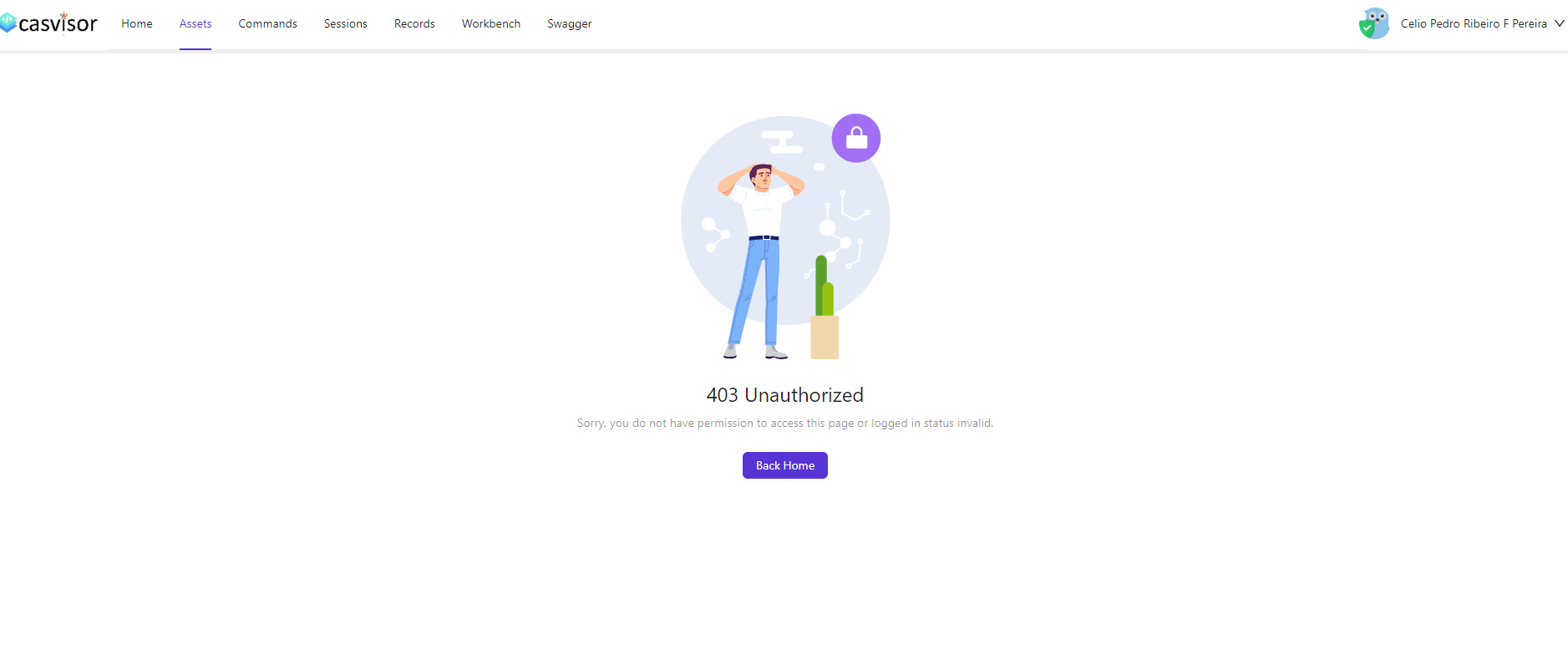

If you remove the "is admin" from the user hermann from the demo site and try to access casvisor, you will have the same error.
I believed it could have been the bug I reported but I still can't access the casvisor with a standard user, I have models, enforces and adapters (I copied them based on the standards that already come) but it still doesn't work.
here are the logs, at the top is the organization that I created and set, saved, and when I test the connection with the bank it links with the one that was preloaded

the situation is a little different now, I change the organization, save it, try to test the connection and it seems that it is still trying to link to the organization that loads when entering to add a new adapter
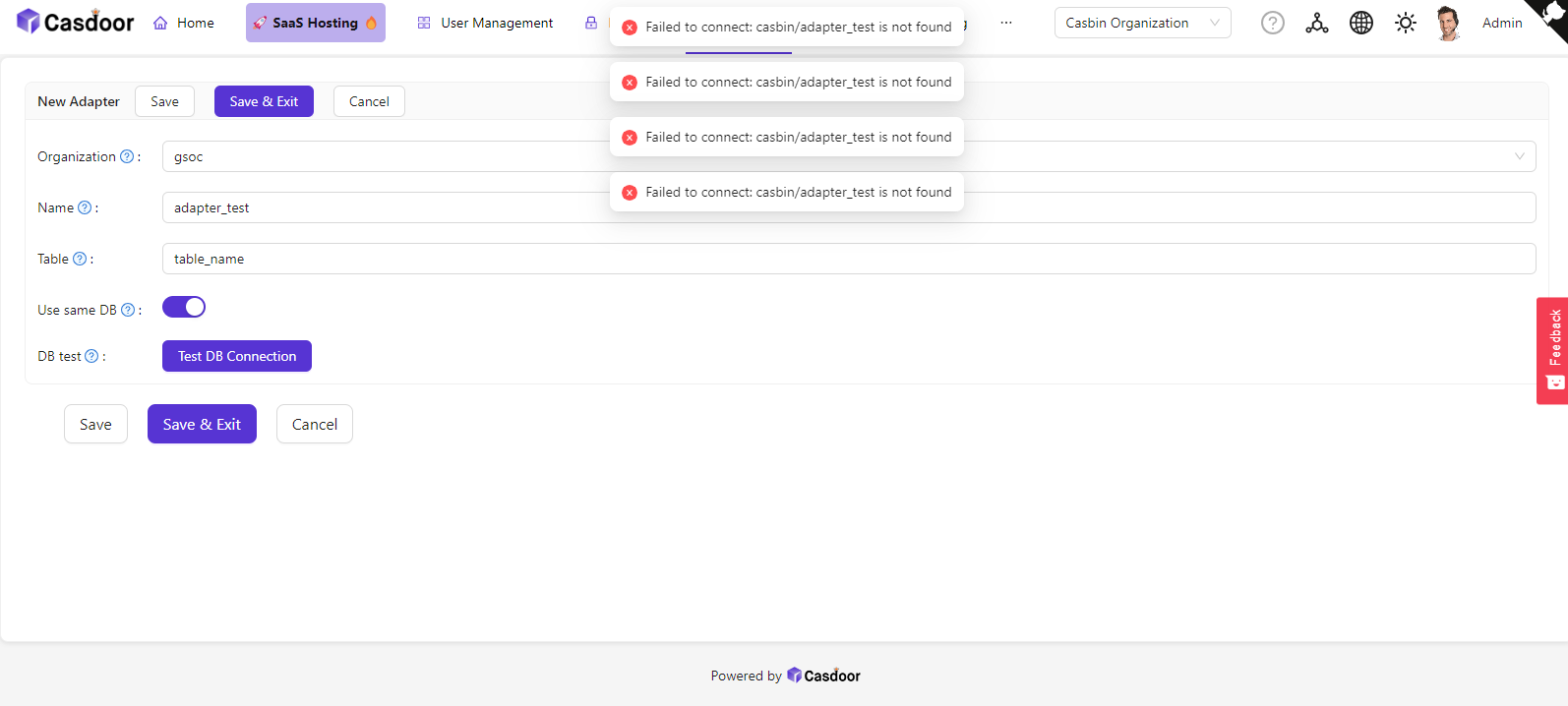
note that on the demo site, I changed the organization to gsoc and the message still returns me as casbin and then fails
Maybe I have a problem, when trying to add a table to the adapter, save and then synchronize, it returns this
"Failed to connect to server: SyntaxError: Unexpected token '<', " <!DOCTYPE "... is not valid JSON"
I thought it would be on my machine but I tested it on the demo site and it gave the same error, maybe that's why I can't get the users I'm registering to access the casvisor application
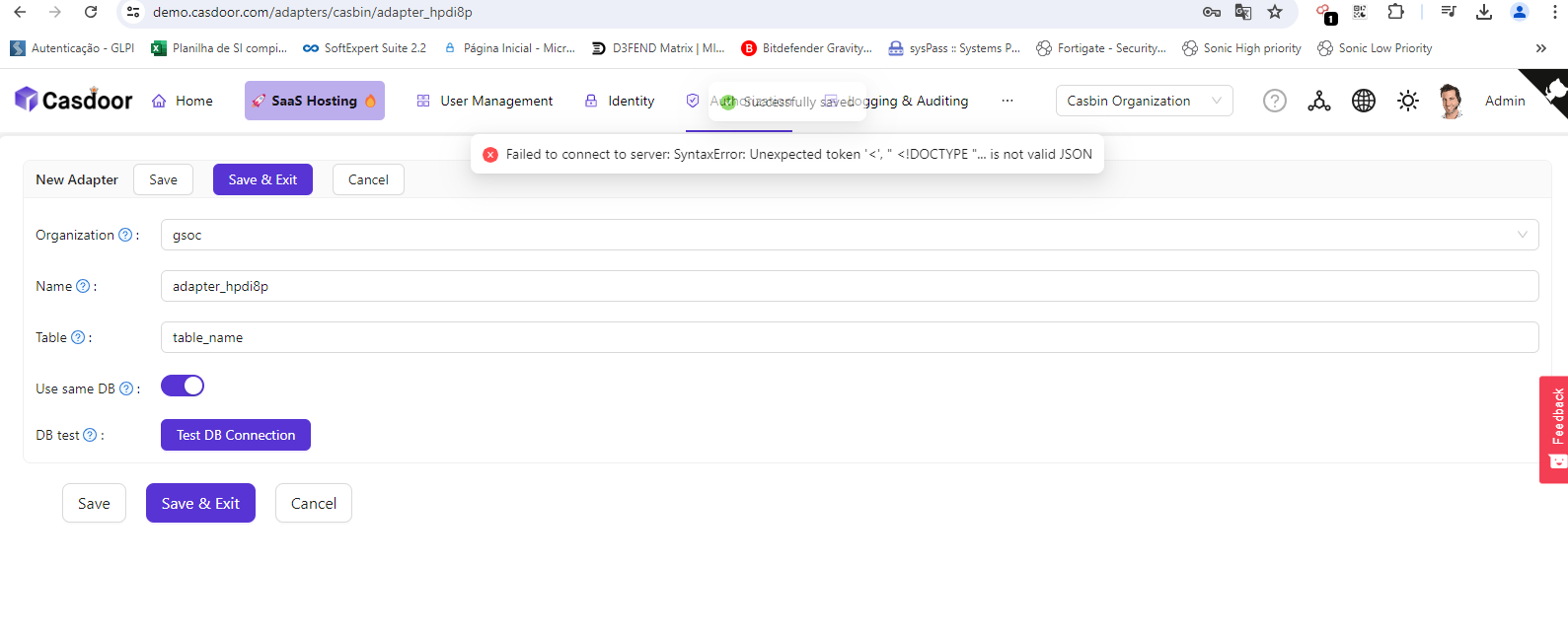
Maybe I'm encountering the problem, when trying to add a table to the adapter, save and then sync, it returns this
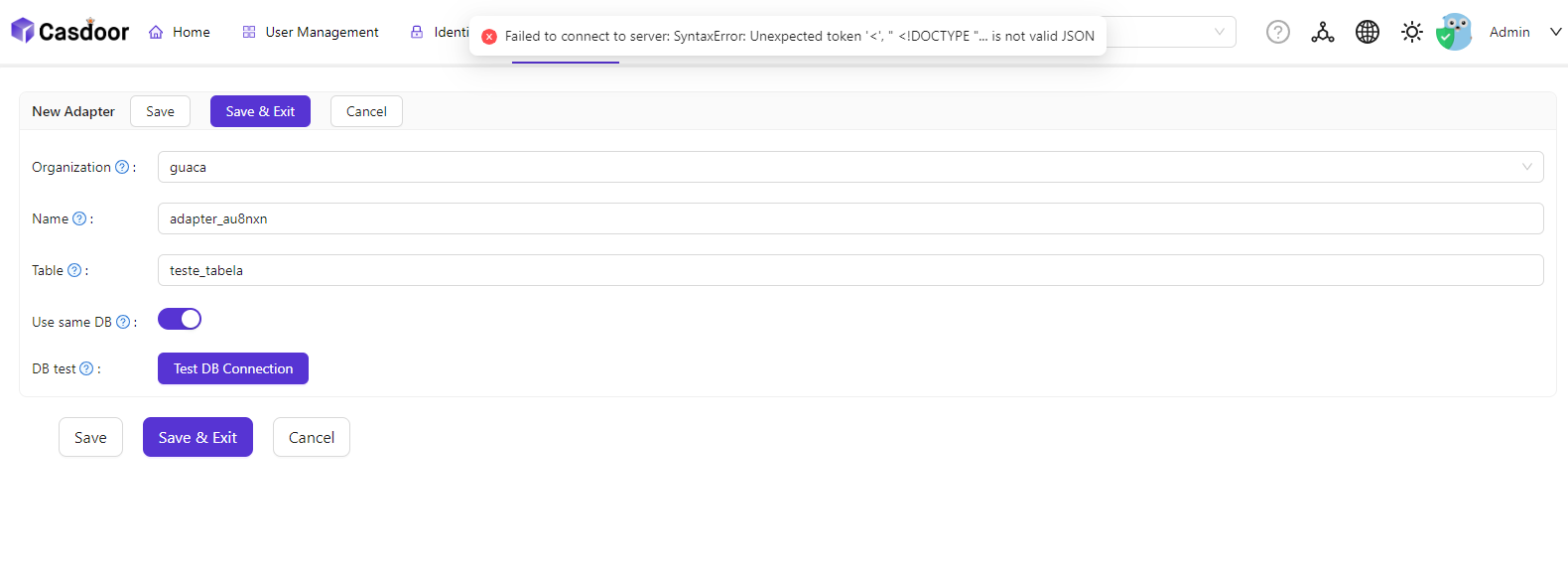

Has anyone ever been through something similar?
the same problem happens on the demo site
At first I tried to create it by copying the default authorizations from the built-in but it didn't work
I've been having the opposite problem for a few days, in this case I want to release the casvisor application to users but I'm not able to do so XD
right, but what about common casdoor users? I can't get it to access :/
Is there any way for me to make users who are not administrators access the casvisor and be able to create connections, connect, etc.? Using Casdoor I created all the permissions, model, adapters and enforcer but I still keep getting this error, could it be an error on my part? I'm using the "default" ones just copied from the built-in to the organization I created.
In fact, when I have the administrator user it works, I'm testing with LDAP and trying to locate it on the casvisor to test RDP access but I'm getting these 403 errors
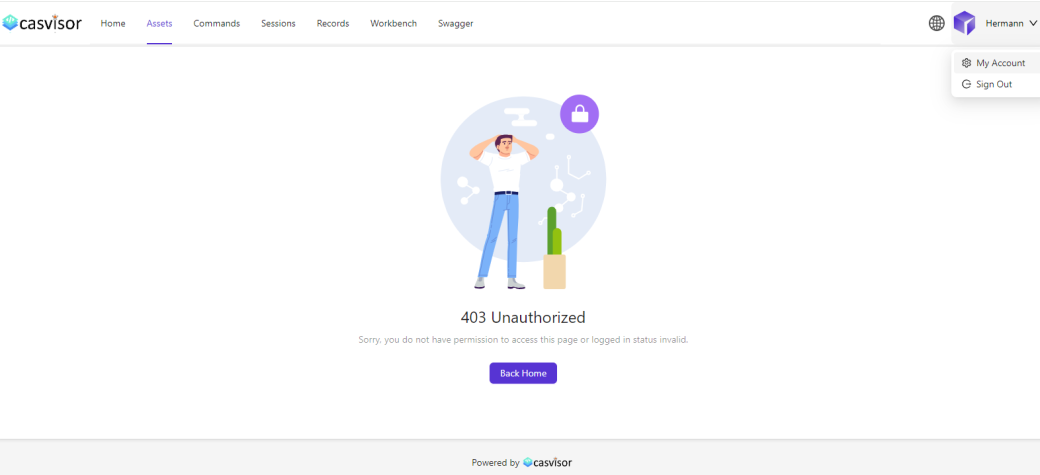
this image is what I get (it's written hermann because I tested the same case in the casbin test environment, if I disable this user's administrator he also loses access xd)