Casbin Forum runs on Casnode, the open-source Discourse-style forum. Try the Casnode demo →
Casbin Forum

I'm trying to set up Casdoor and Casvisor using docker-compose.yml, but I'm encountering some issues when starting the services. I have 2 directories: one contains Casdoor, which I cloned from Git, and the other contains Casvisor, which I also cloned from GitHub. I'm currently trying to resolve the following error first:
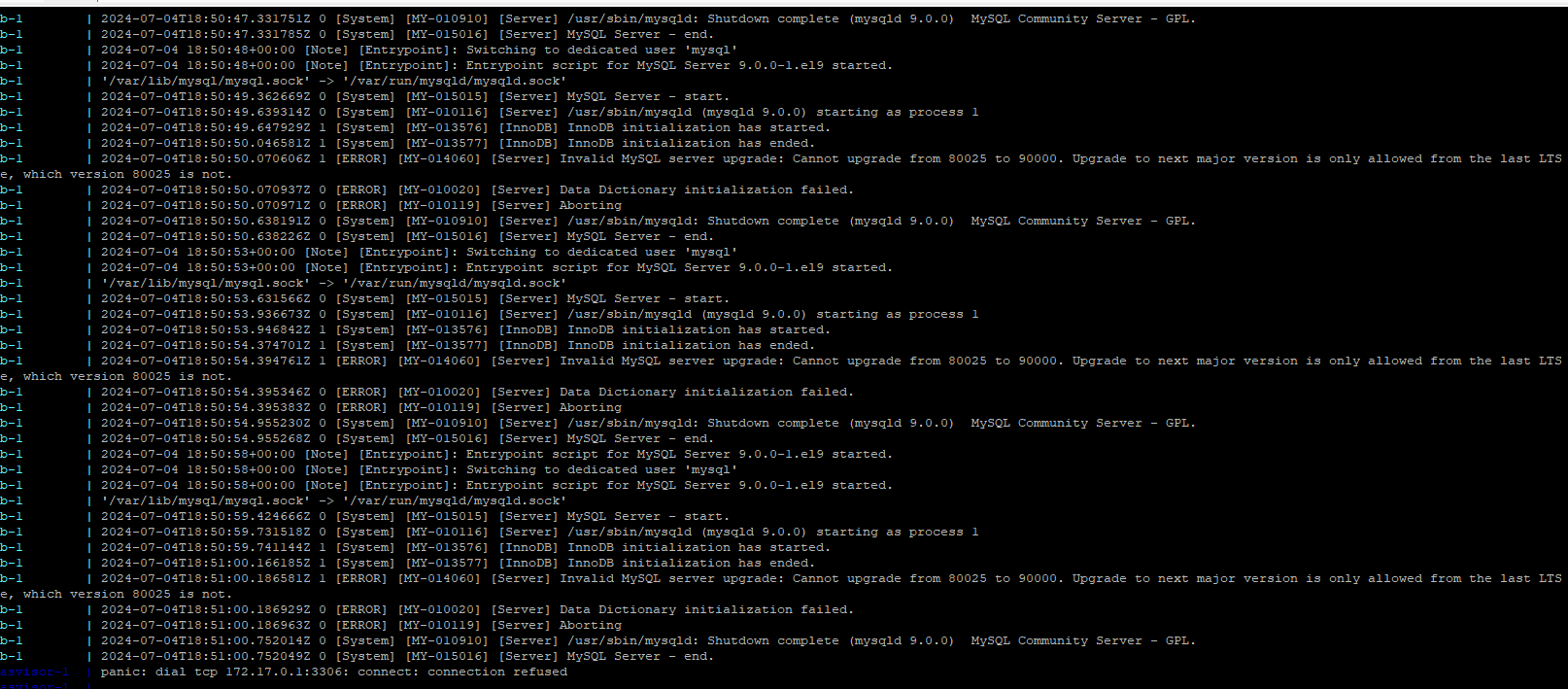
image.png

somebody help

2views
3users
3 minread

'I cloned the repository straight from Casvisor and didn't change anything. It gives me this error casvisor-1 | panic: dial tcp 172.17.0.1:3306: connect: connection refused. Can anyone help me?

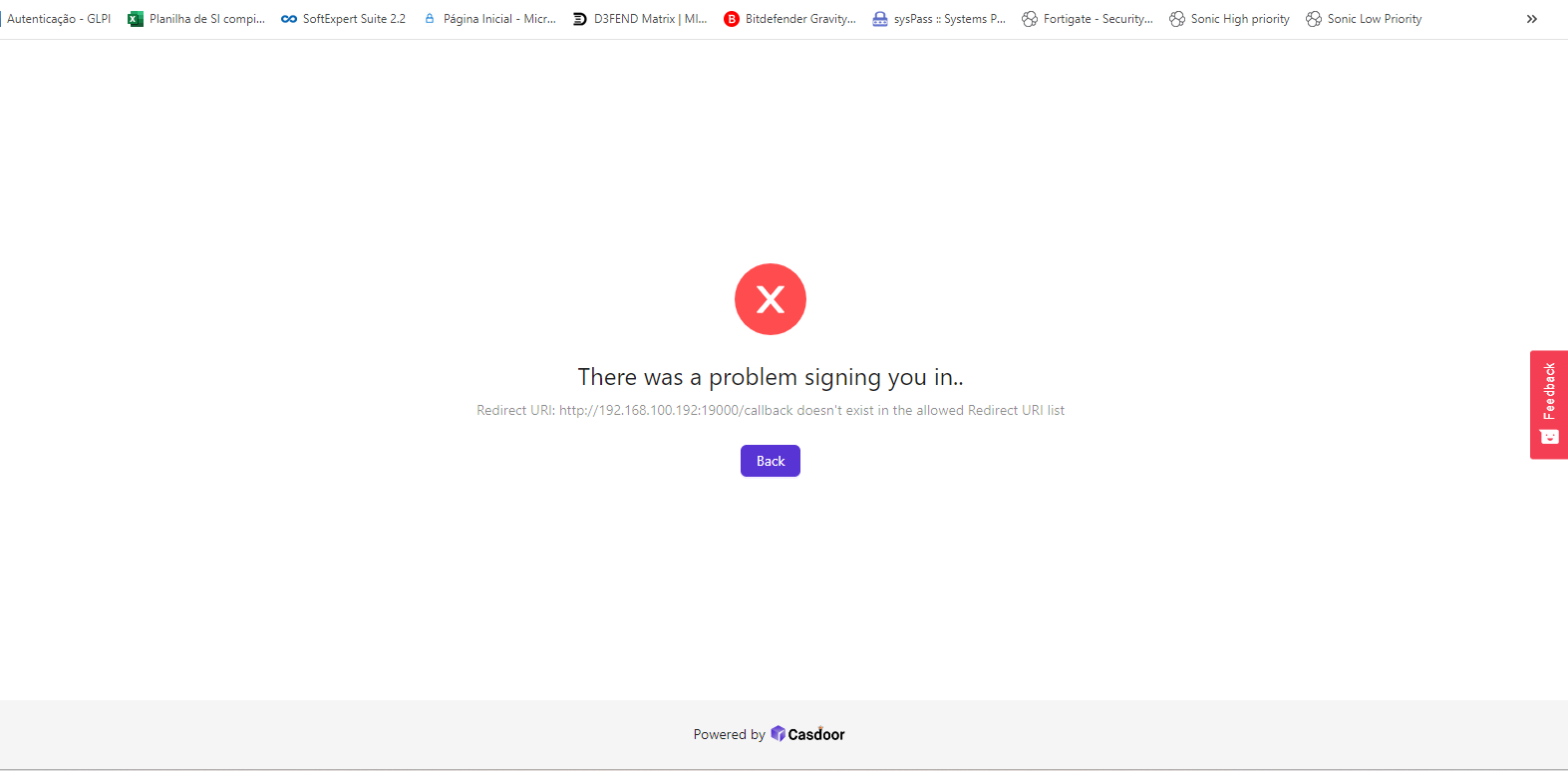
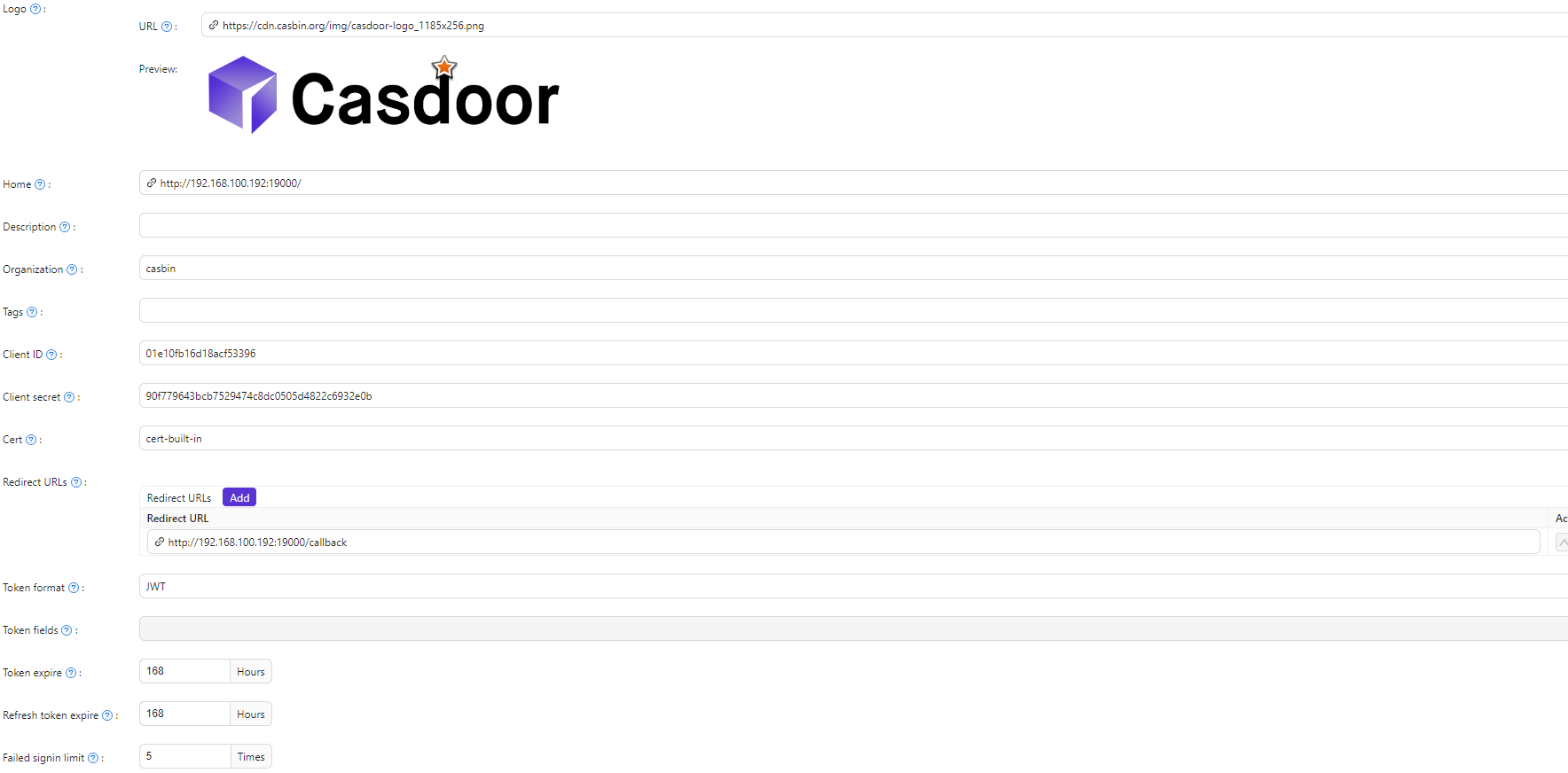
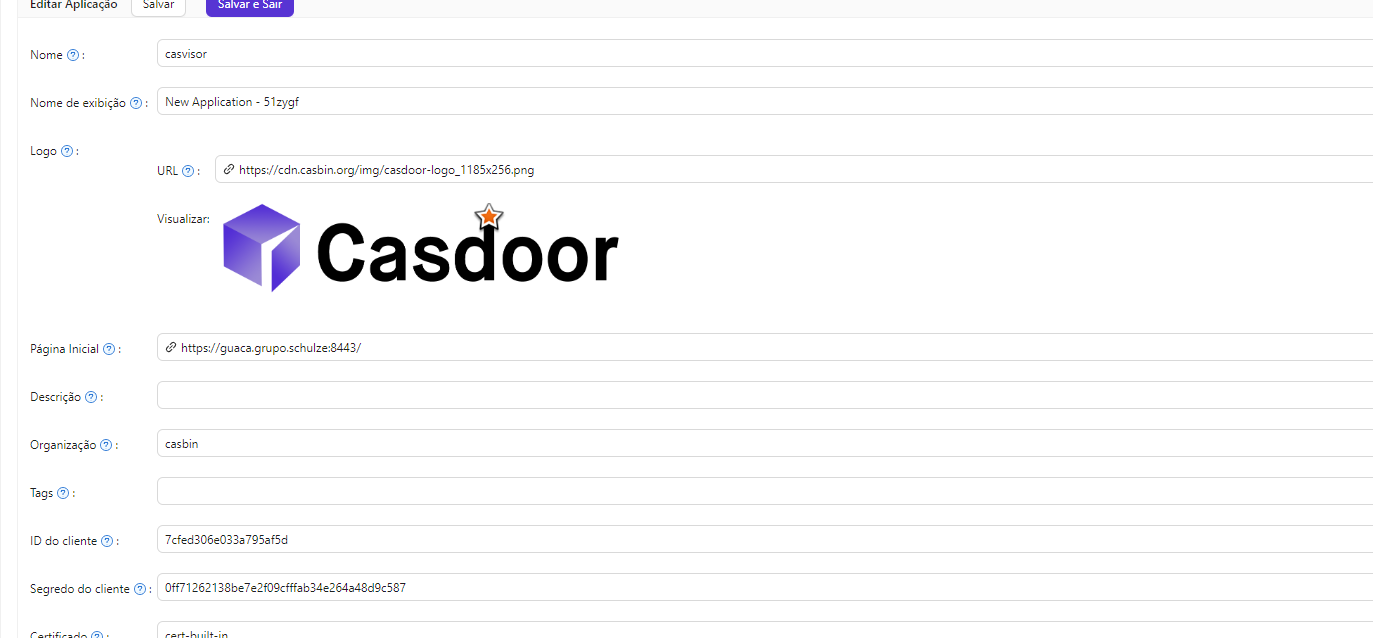
add the mentioned URL to your casdoor's application setting

Would you have any example of Docker Compose to help me in this case? Would I have to use nginx to use the certificate?

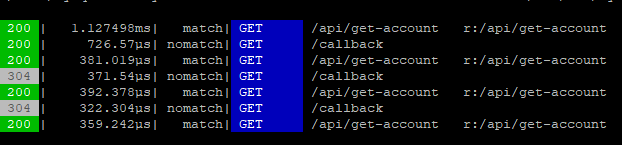
I managed to get past this part, now I'm trying to run casvisor and see how it works, but after I enter my login, there's a white screen, I don't know if I should install something else or the problem is in my callback url

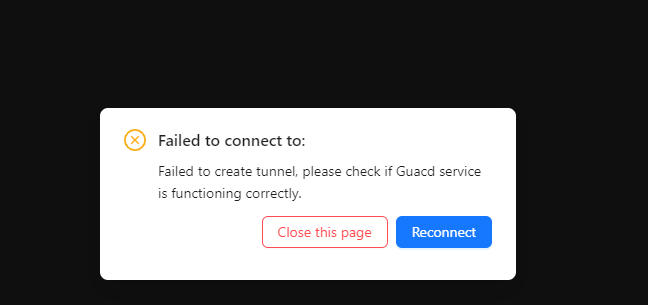
I discovered that casvisor does not accept a self-signed certificate, only CA, I used CA and managed to open the application, now I have this problem when testing a connection but I think it has to do with the guacamole

image.png

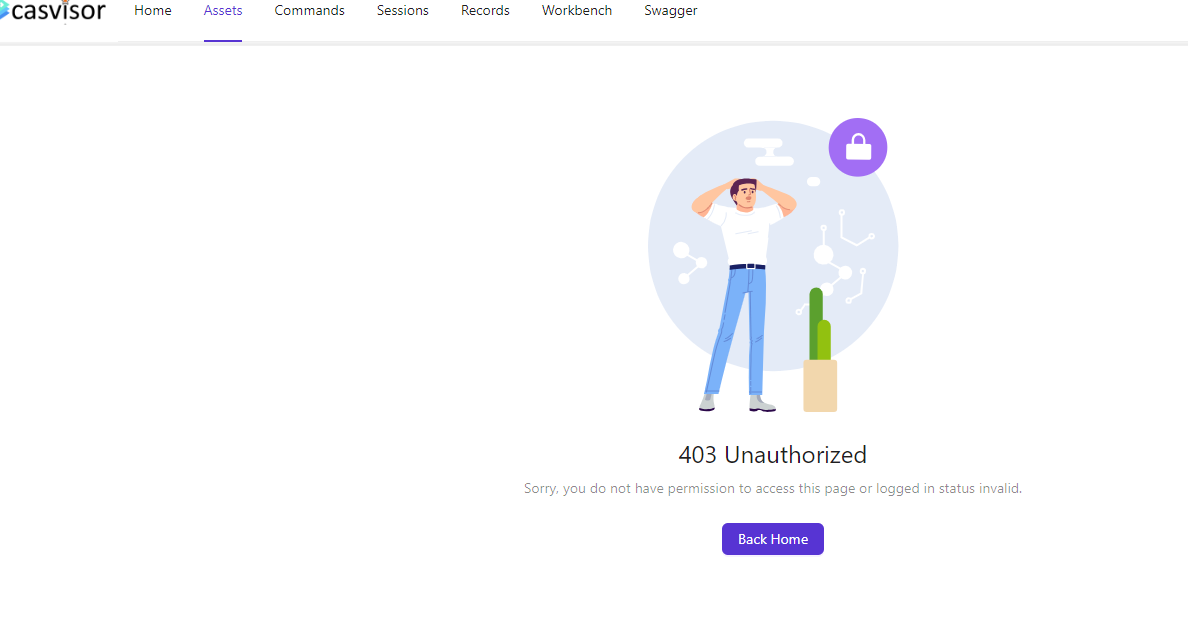
How do I enable LDAP users to connect/create RDP access on the casvisor? I already have ldap synchronized but I don't know where to enable these permissions

image.png

1 / 45
Jul 2024