
Hello everyone!
The "Signin items" table has fields for editing css, for example, the login button has a css class specified for it
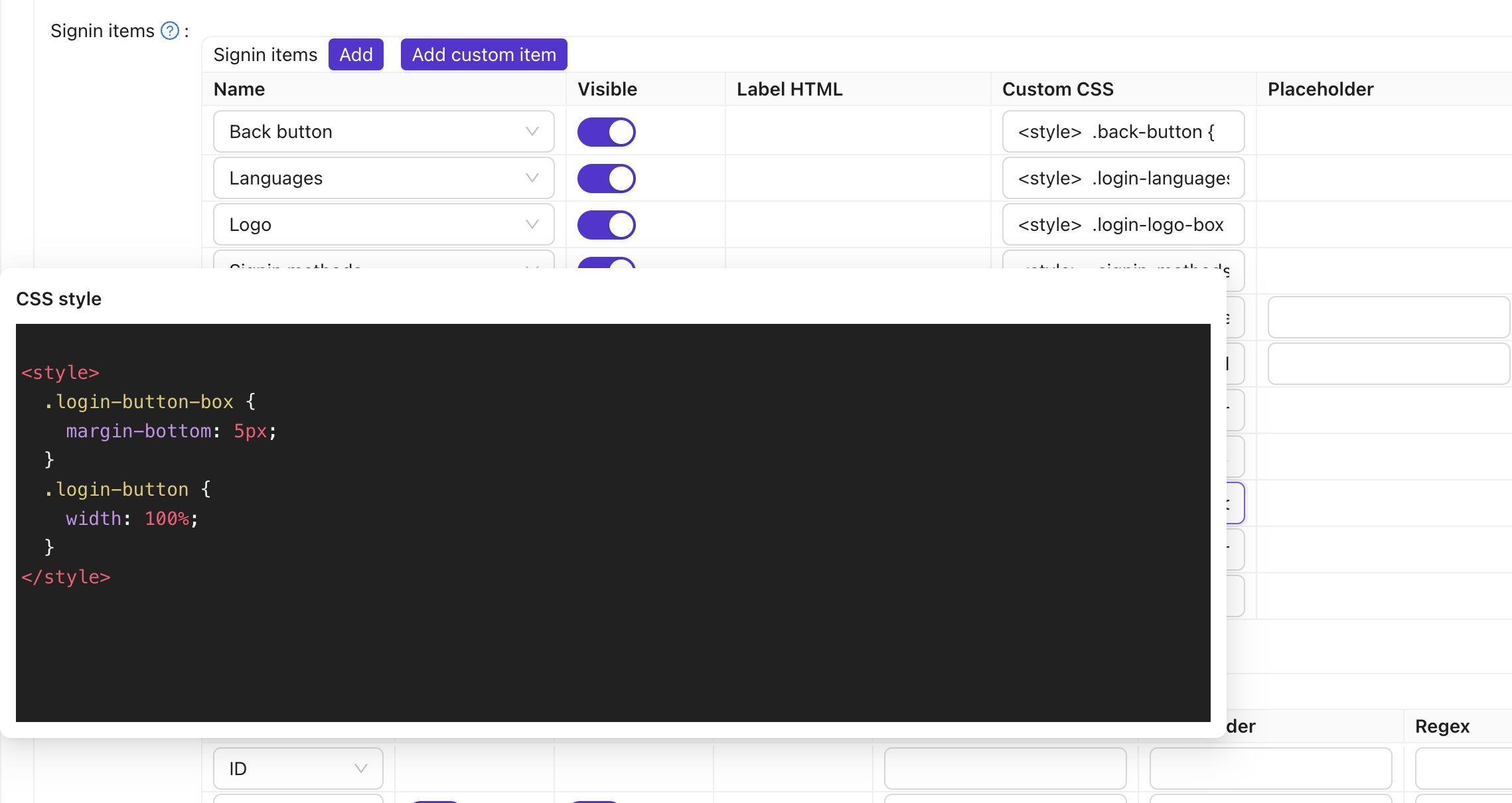
but styles can be reassigned only if you find and add the names of css classes that the element still has from the developer panel
that is, like this
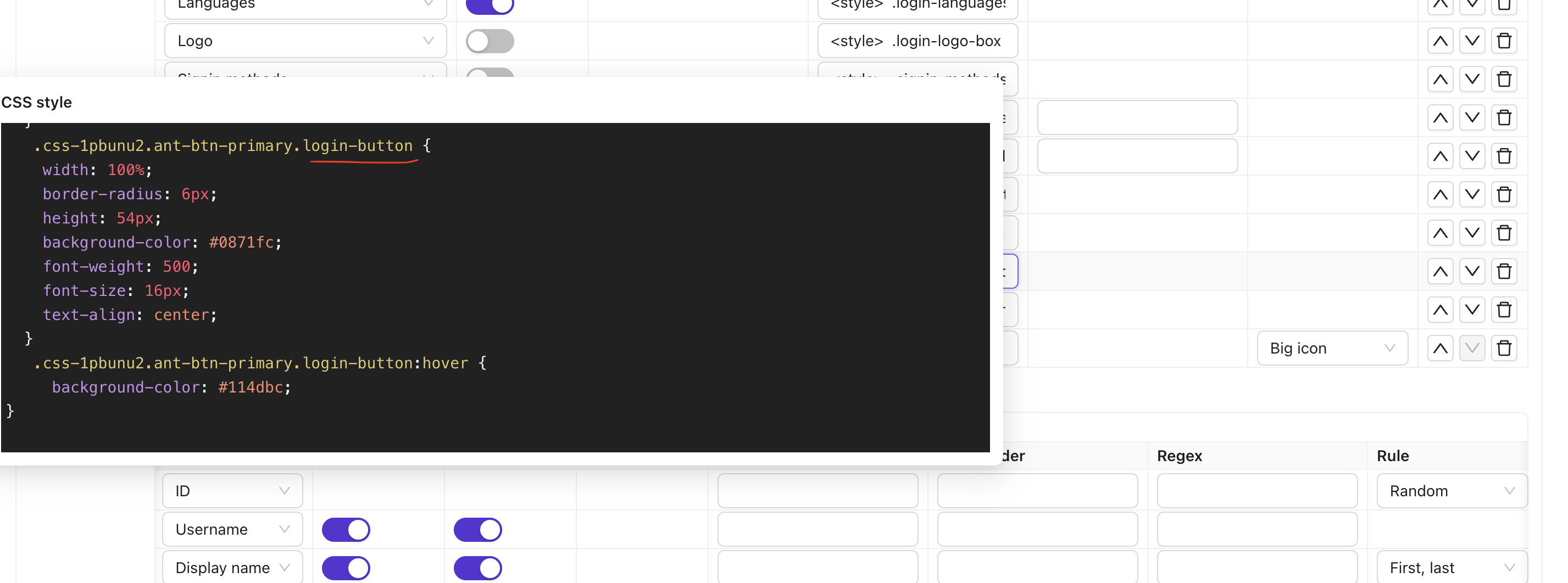
First question: did I understand correctly how to customize the form?
The second question: for the Registration form there are no such fields, how can I change the styles for it?
I will be grateful for your help
Could you please tell me where I can insert custom JS, CSS into own Casdoor login page, is there any file for this, or is it done only through the Casdoor admin? I am using Next.js Thanks for the answer
here you can still somehow insert your own css code and make it almost like in my layout
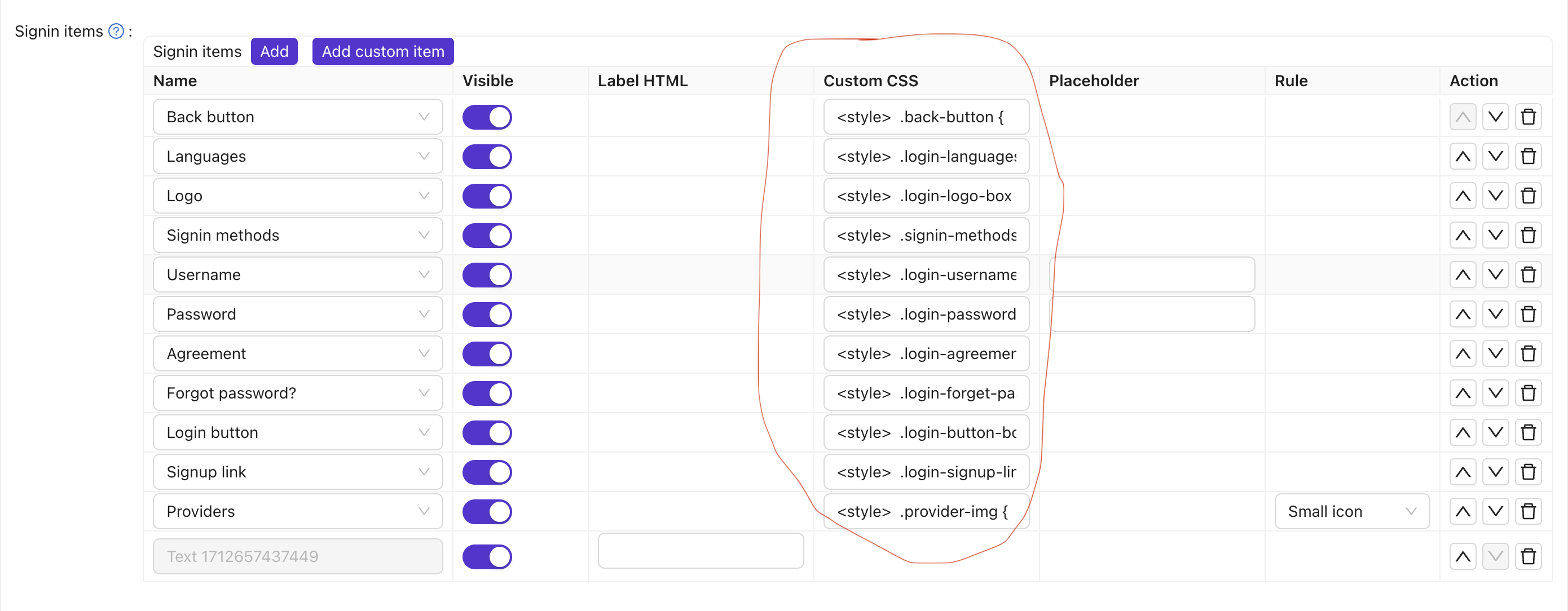
but for this Signup items form, it's not there anymore
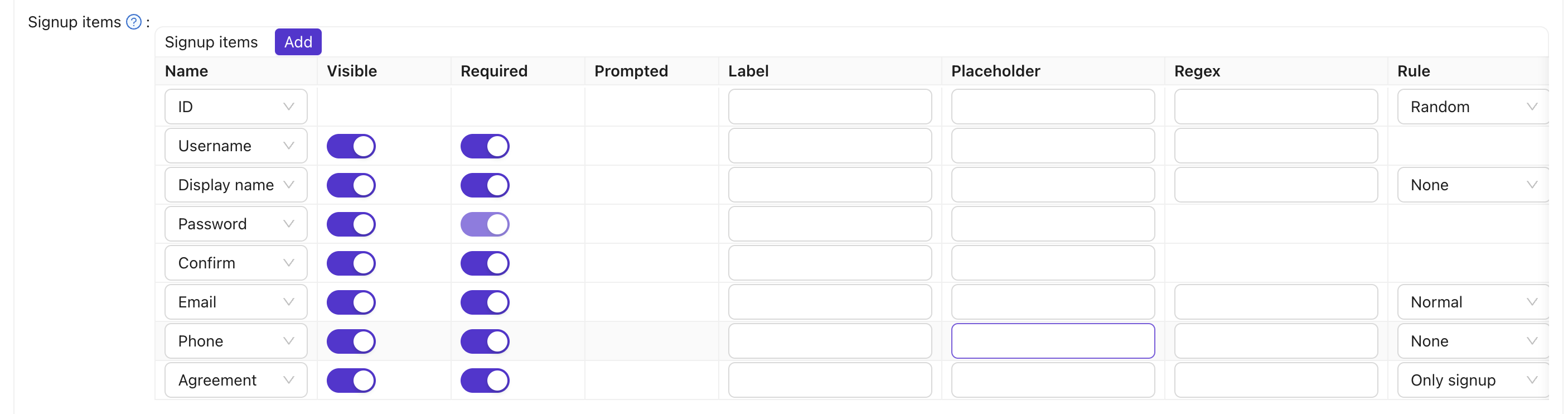
or these fields are not for what I need
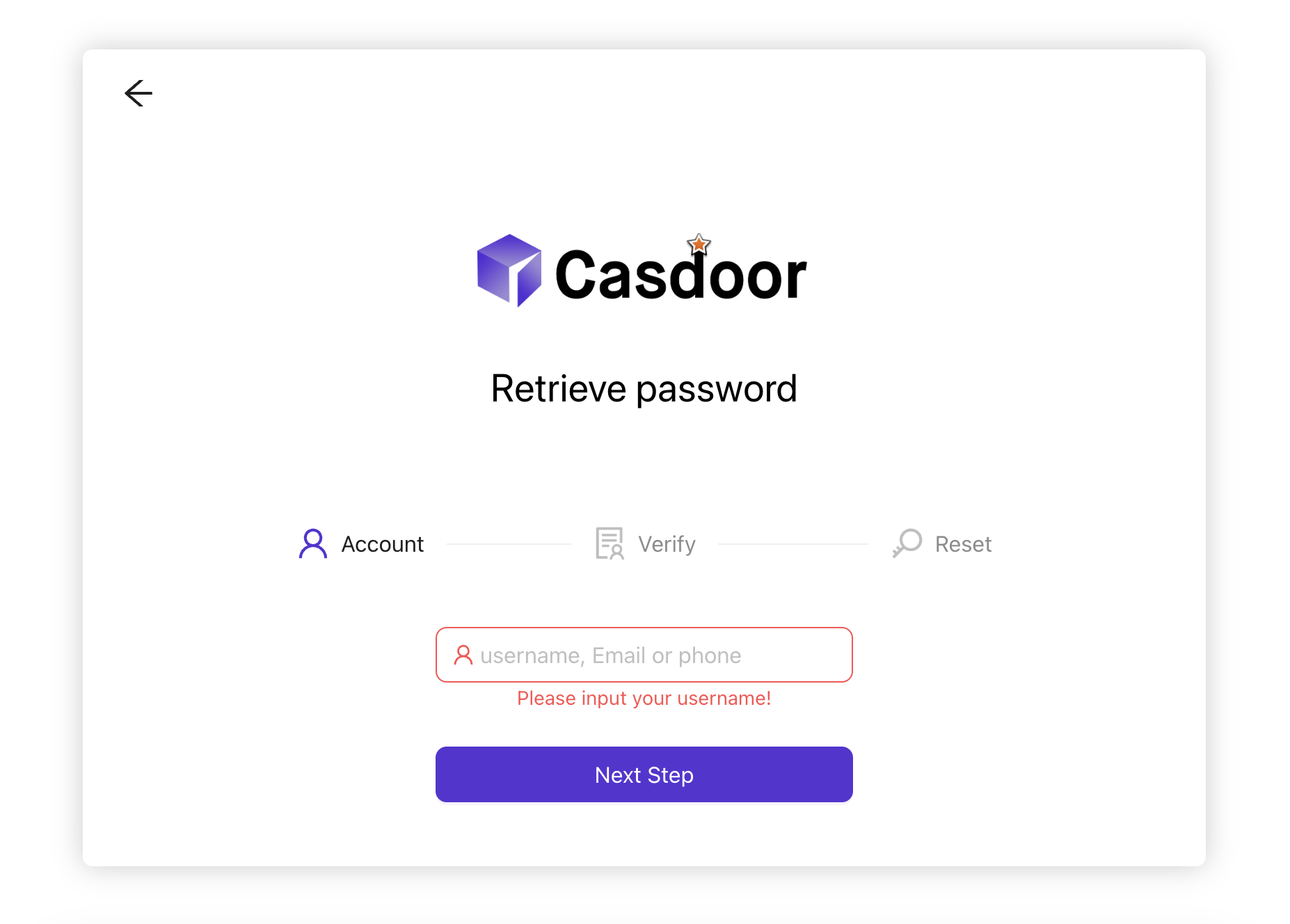
these forms don't have any fields with settings for them at all, how can I change them?
If I copy my html code here, will the submission work correctly? Because maybe the names of css classes or id will not match

Hello!!!
I have a project design mockup for which I wrote html and css files for a registration form, a login form, and 3 forms for each step of the "Forgot password" functionality.
How do I use my code instead of the default forms "Signin", "Signup", and "Retrieve password".
For example, in the 'Signin items' table there are still fields where you can insert your css, but in the 'Signup items' table there is no way to insert your css, and for Retrieve password forms there are no editable fields at all.
Please help me figure out how to completely replace the code for the forms with your own, maybe someone can explain in screenshots, I will be very grateful.